



The box opens, the camera sweeps past the lid, and the clip ends just as the object becomes visible. The reveal feels elaborate, yet a viewer cannot say what was inside. A small ceramic brooch could have been a coin, a sweet, or a piece of jewelry. The production has spent its attention on the entrance and left no useful time for the thing being introduced.
For a short reveal, start with the view the audience should have after the surprise. An AI Video Generator can create the opening movement, but the ending needs to remain readable. The object should become recognizable before the clip asks the viewer to move on.
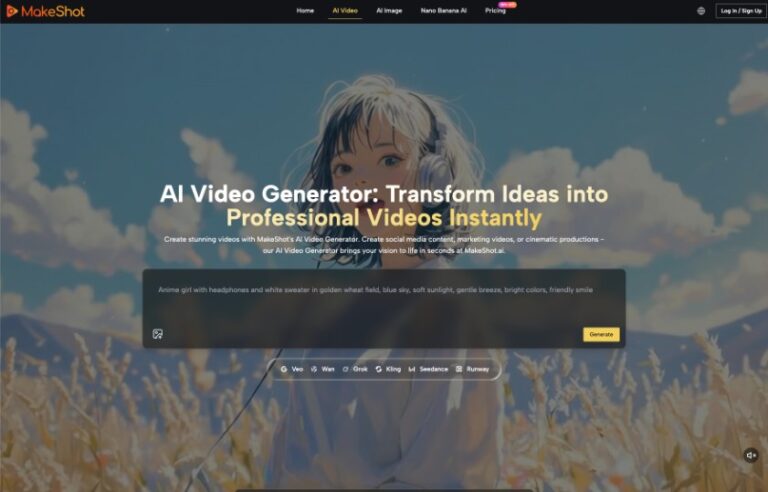
MakeShot supports text-to-video and image-to-video generation. A creator can describe a reveal or use a supplied image to guide the scene. The useful brief gives the final object view as much consideration as the lid, camera, and lighting that precede it. A cinematic entrance is optional; an understandable introduction is the purpose of the shot.
Step One Defines The View After The Surprise
Imagine a maker introducing a plain ceramic brooch in a small presentation box. The audience needs to see its shape and surface. They do not need an elaborate miniature world inside the packaging unless that world contributes to the story. Start with an image or sketch showing how the brooch should look once the box is open.
Decide what makes the object recognizable at the intended display size. The outer shape might matter more than a tiny fastening detail. If the surface texture is central, the view needs enough light and proximity to show it. These are editorial choices about the introduction, not claims that a generator can preserve every feature without review.
The final composition should leave the object easy to distinguish from its container. A brooch that matches the lining perfectly may disappear even in a still. Adjusting the reference or the lighting plan before generation can solve a problem that more dramatic motion would only conceal.
Give The Opening Less Work To Perform
A reveal has a limited amount of attention to spend. The lid can lift, the object can rise, the camera can move, and the light can change, but asking all of those events to happen together makes the result harder to read. Choose the action that actually introduces the object and simplify the others.
For the brooch, a quiet lid movement with a fixed view may be sufficient. The audience watches the container open and then inspects what is inside. If the camera continues circling after the reveal, the object may never settle into a useful view. Movement that helped establish anticipation can become an obstacle once the object is visible.
Work backward from the ending when describing timing. Leave a period in which the object is exposed and the composition is stable. There is no universal duration that suits every object and platform. A simple silhouette may be understood quickly; a detailed craft object may need a longer look. Test the actual candidate rather than applying an arbitrary timing rule.
The opening does not need to show every physical step. A shot that begins with the lid already partly raised can still establish a reveal. This may be a cleaner creative choice than compressing a complicated sequence into a short clip. The omitted preparation should not change what the audience understands about the object.
Step Two Generates A Simple Opening From The Brief
MakeShot lets the creator begin with a written scene or an image reference. Describe the object, the container, the opening action, and the desired settled view. Keep the sequence easy to follow. A request for a slow lid lift followed by a clear view gives the reviewer a more specific target than a collection of phrases about luxury and spectacle.
If the appearance of the object matters, use an appropriate source image to guide the concept. Inspect the result against that source before treating it as a product representation. A reference helps communicate the desired appearance, but it does not replace a check of shape, surface, and any details important to the introduction.
The value of an AI Video Generator here is the ability to explore the staging of the reveal. It can produce a candidate in which the creator can examine the lid’s path and the resulting view. Keep the actual selection tied to those observations rather than to how impressive the first second looks.
If the lid crosses in front of the object after opening, revise the staging. If the camera stops too close to recognize the outline, change the intended ending composition. Name the visible failure in the next request. Replacing the entire aesthetic before identifying that failure makes comparisons less useful.
Inspect The View After The Lid Has Opened
Watch the clip once without pausing and ask what the object appears to be. Then examine the part after the opening action. Is there a clear interval in which the audience can inspect it, or does the clip keep moving toward another effect? A single attractive frame is not enough if viewers never get a normal-speed opportunity to see it.
Pause at the ending and check whether the object is partly hidden by packaging, a hand, a shadow, or the edge of the frame. These are concrete reasons to reject a candidate. They should not be excused because the reveal feels exciting. The final view is where the shot delivers the information the opening promised.
Review the intended crop as well. A vertical version may cut off the side of the box or move the object away from the center of attention. A wider composition may leave it too small. Choose the shot and layout together instead of assuming that one reveal will work unchanged in every placement.
Sound can also determine where the audience expects the moment to land. A dramatic accent that arrives before the object is visible may make the reveal feel mistimed. If the finished video uses sound, check the audio and image together. The object should be available to see when the edit tells the viewer that the surprise has arrived.
Keep an unambiguous still view available for the final composition if the generated motion never settles well. Finishing with an approved still can be preferable to extending a moving shot that keeps obscuring the subject. Treat that as an editing choice, and check that the transition does not introduce a distracting jump.
Keep The Ending That Lets The Object Be Seen
MakeShot can help makers and small creative teams explore a short reveal without committing to an elaborate shoot. It is most useful when the brief includes a readable destination and the creator is willing to simplify the entrance to reach it.
Choose the version that leaves the audience with a clear view of the object. If the opening consumes that opportunity, shorten it or begin later in the action. Before approving it, ask someone unfamiliar with the brief to name the object after one viewing. A wrong answer sends the ending back for revision.
